
Recent Blog
How to Sign Up for BCRemit: A Step-by-Step Guide
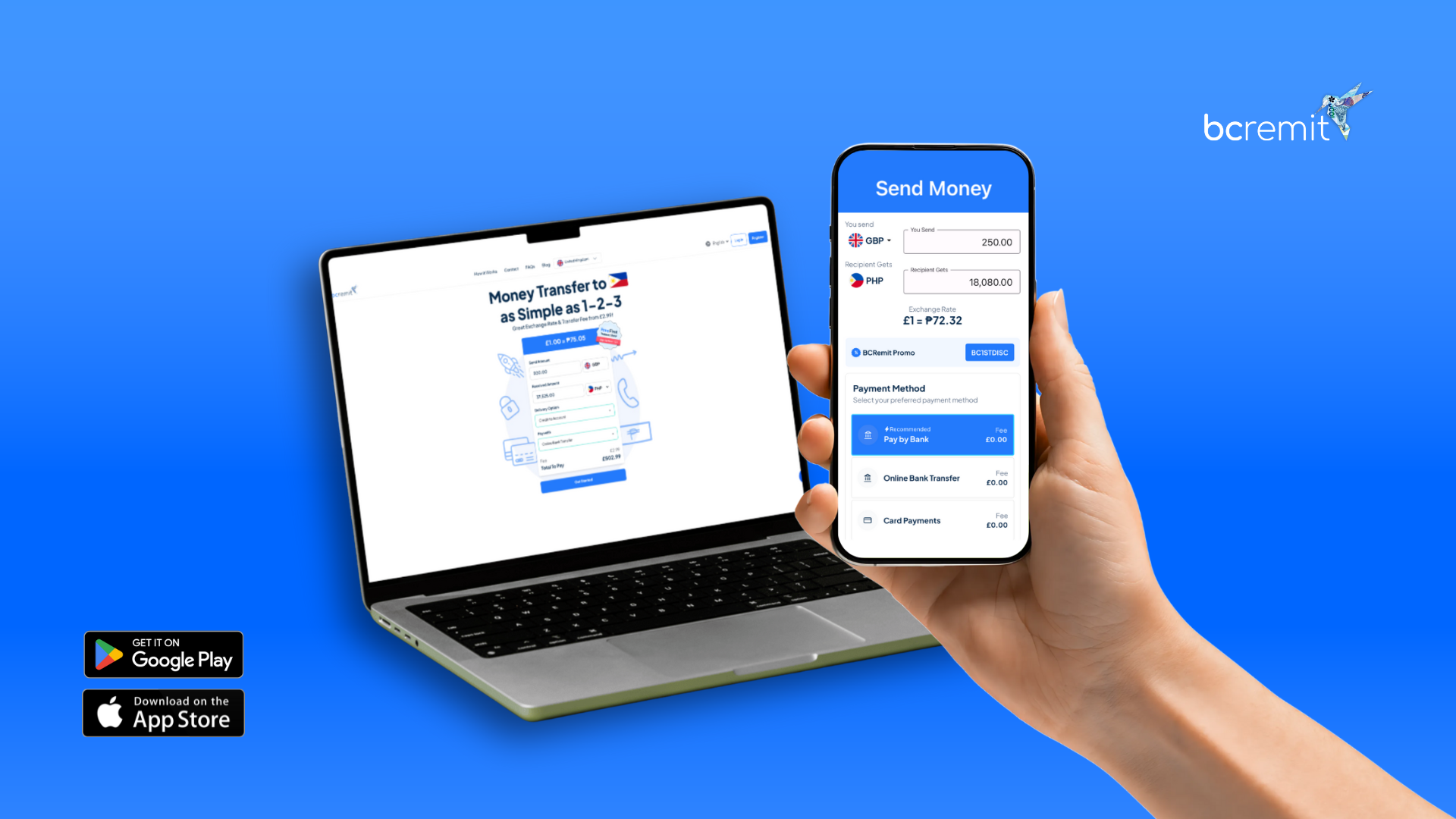
Looking for the best way to send money to the Philippines from the UK, EU, US, and Canada safely, quickly, and conveniently? Whether you’re an overseas Filipino (OF) working hard abroad or simply supporting your family back home, finding a reliable UK money transfer to Philippines service is crucial.
In this quick guide, ipapakita namin sa iyo ang step-by-step process kung paano mag-sign up para sa BCRemit app, para makapagpadala ka na safely and with confidence!
What Is BCRemit?
BCRemit is a trusted international money transfer service built especially for Filipinos abroad. If you need to transfer money to the Philippines, it stands out as the smart choice. Low fees, mabilis na transactions, but most importantly, 24/7 customer support from actual Filipinos na dama ang iyong hirap at alam ang halaga ng bawat padala pauwi. It’s the smart choice for sending funds or paying bills back home.
Why You Need a BCRemit Account
Bago ka makapag-remit o makabayad ng bills, kailangan mo muna gumawa ng account. Buti nalang, it only takes a few minutes! Gabay mo kami sa bawat hakbang para smooth ang iyong registration.
How to Sign Up for BCRemit (Step-by-Step)
Step 1: Download the BCRemit App or Visit the Website
- Go to the App Store or Google Play and search “BCRemit”.
- Look for the hummingbird logo to ensure you’re downloading the official app.
- Or, visit www.bcremit.com to sign up directly from your desktop browser.
Step 2: Tap “Sign Up”
Pag-bukas ng app o site, tap “Sign Up” on the welcome screen para simulan ang registration process.
Step 3: Fill In Your Basic Information
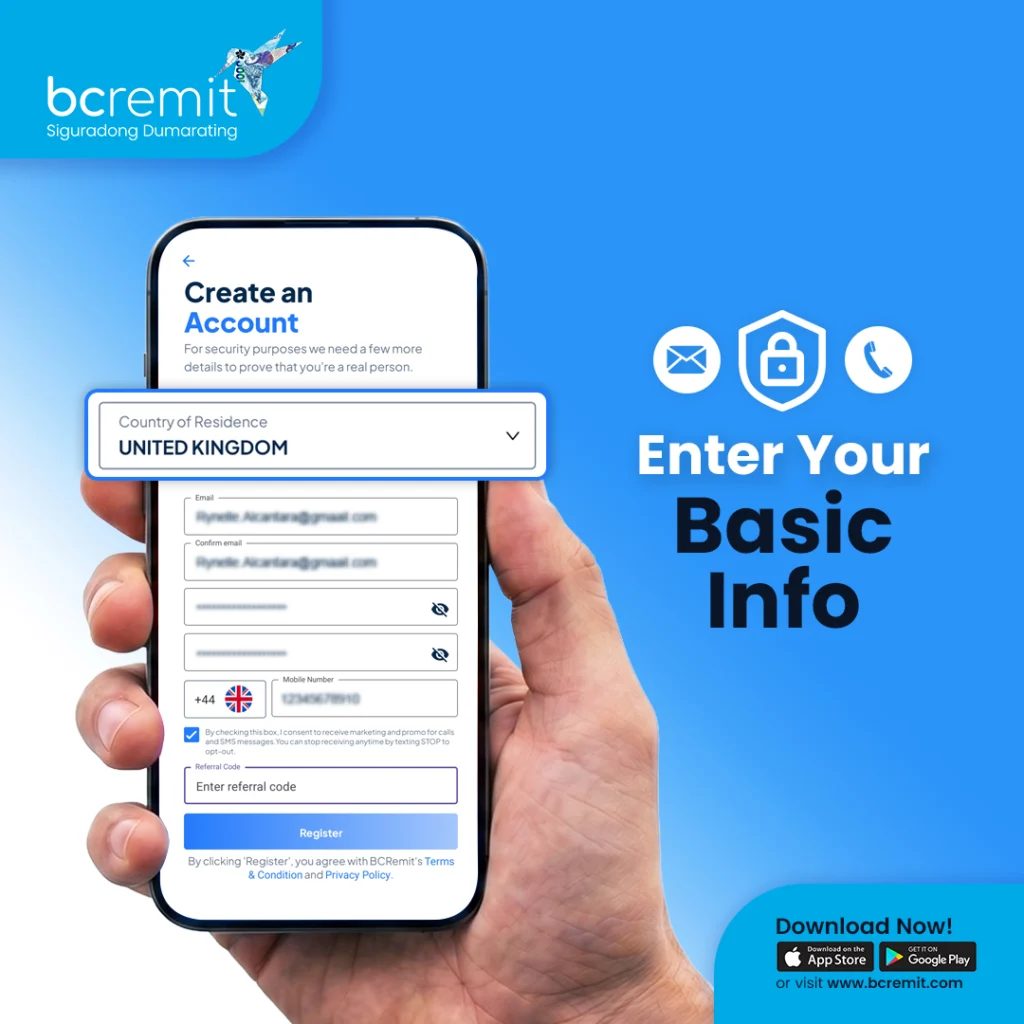
Input the following details accurately:
- Choose your country of residence.
- Enter a valid email address and mobile number.
- Create a strong password using a mix of letters, numbers, and symbols.
💡 Tip: Siguraduhin na tama ang iyong contact details, kasi gagamitin mo ito para sa security verification mamaya!
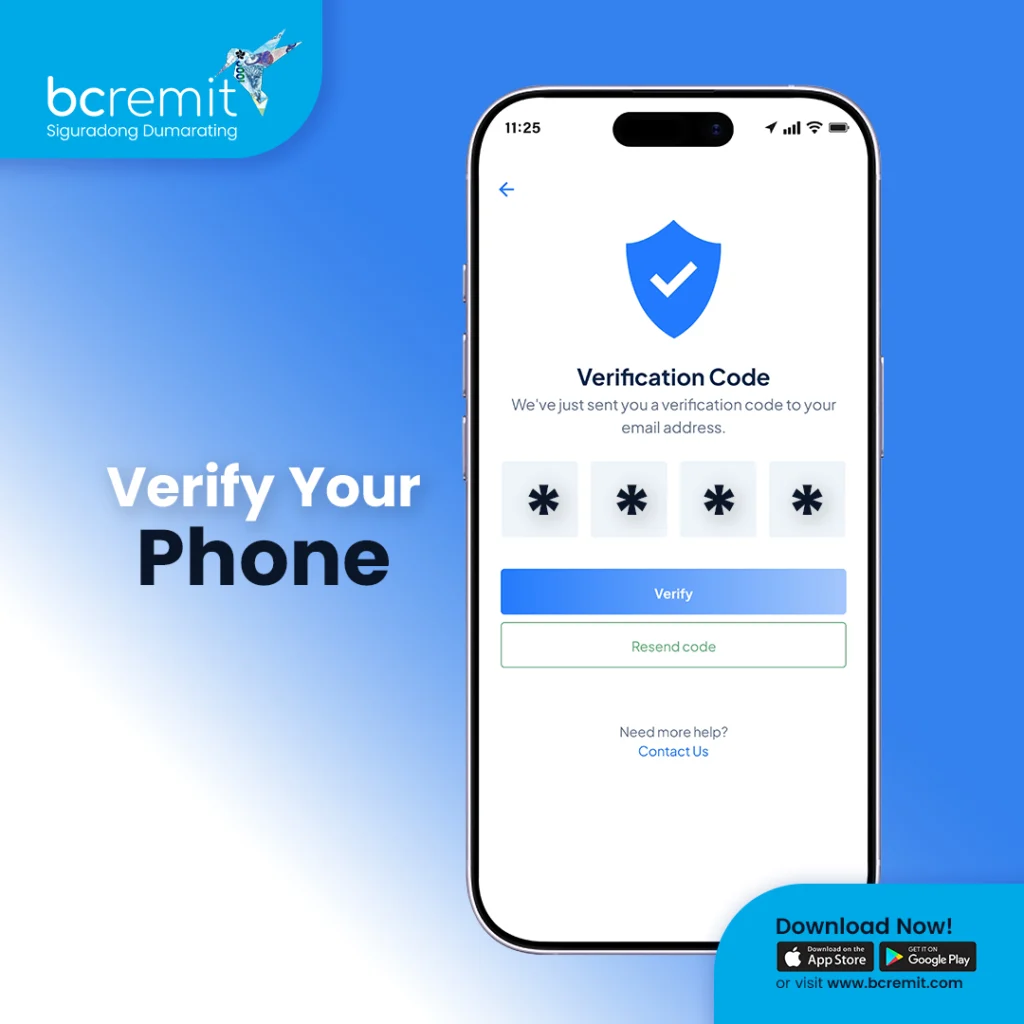
Step 4: Verify Your Phone Number
You’ll receive a 4-digit verification code via SMS. Enter it in the app to confirm your identity.
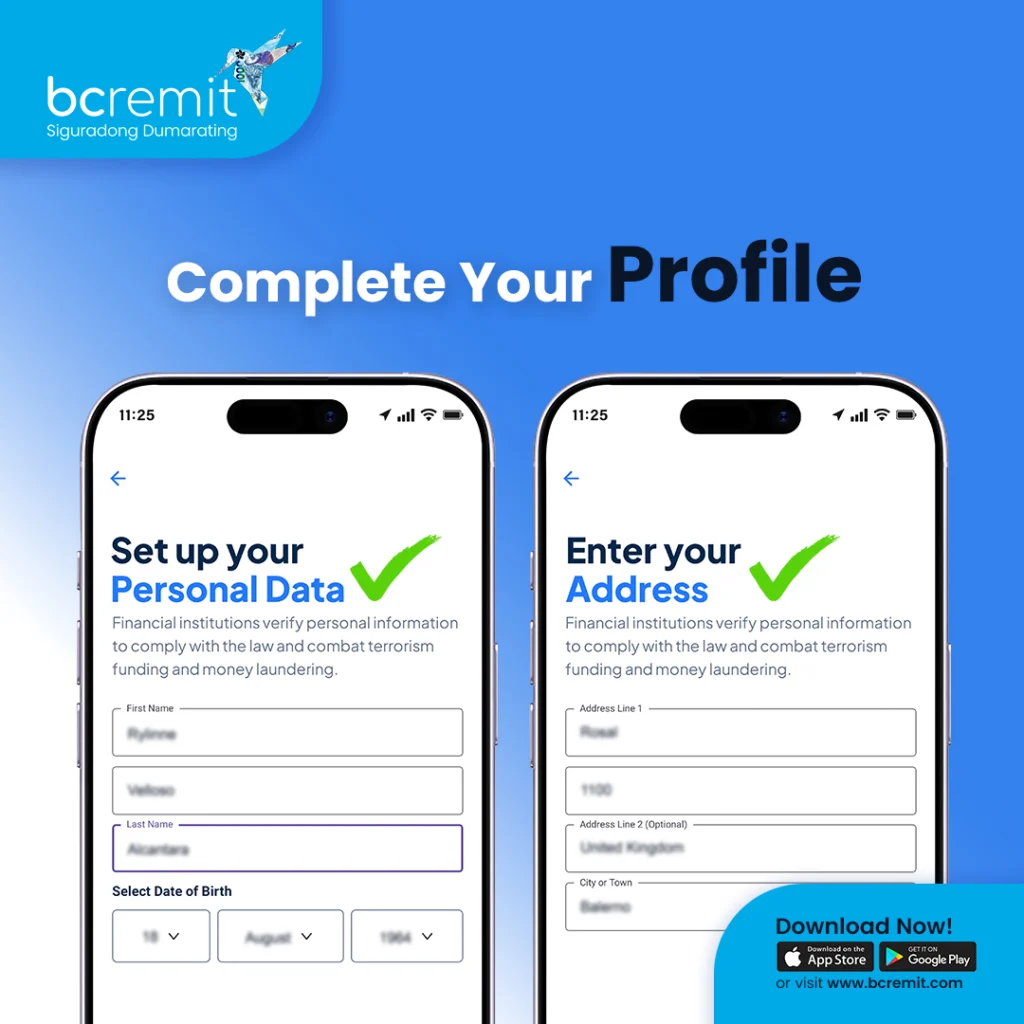
Step 5: Complete Your Profile
Next, provide a few personal details to fully secure your account:
- Full Name
- Address
- Date of Birth
- Source of Funds
BCRemit takes your privacy and financial security seriously, kaya fully encrypted lahat ng inyong data at meron kaming strict identity verification protocols. Lahat ng ito’y para siguradong dumarating – to ensure your hard-earned money always reaches its intended destination securely.
You’re In!
Once you’ve completed these steps, ok na BCRemit account mo! From here, you can start exploring the app’s features:
- Add beneficiaries (ang iyong mga pagpapadalhan)
- Send money instantly
- Pay bills back home
- Top up mobile phones (load)
- And more!
Got Questions?
Huwag mag-alala, BCRemit’s 24/7 customer support team is just one message away. You’ll find the “Support” button right inside the app whenever you need help.
Final Thoughts
Napakadali at safe mag-sign up sa BCRemit. Eto ang unang first step para mas mapadali ang pagpapadala mo ng perang pinaghirapan mo. Kung naghahanap ka ng best way to send money to the Philippines from the UK, Europe, US, o Canada, kami na yun! Kahit saan ka man, BCRemit helps you stay connected sa mga mahal mo sa buhay, sa ilang taps lang sa iyong phone.
Ready to Sign Up for BCRemit?
Download BCRemit now and start sending money the smart way.
Available on the App Store and Google Play.
Subscribe to our Newsletter
Our Global Presence
🌐 Online Services Available Open 24/7
-
Sunday: Open 24 hours
-
Monday: Open 24 hours
-
Tuesday: Open 24 hours
-
Wednesday: Open 24 hours
-
Thursday: Open 24 hours
-
Friday: Open 24 hours
-
Saturday: Open 24 hours